Introduction
If you are a creator earning on Meta (Facebook or Instagram), setting up your payout account correctly is critical to receiving your earnings without delays or failed transfers.
OneDosh provides a U.S. local (domestic) USD account.
This means:
- Payouts must be sent using ACH (U.S. domestic transfers)
- SWIFT and BIC-based transfers are not supported
Selecting the wrong payout method or region may result in:
- rejected payouts
- delays
- failed transfers
Many creators run into issues due to:
- incorrect payout setup
- confusion around bank types and regions
- using unsupported transfer methods
- reliance on third party intermediaries
This guide walks you through how to correctly set up Meta payouts using a USD account, and how to use OneDosh to receive and manage your earnings globally, with the right configuration from the start.
Who This Is For
This guide is for:
- Meta creators earning from Reels, subscriptions, or ads
- Influencers and digital creators monetizing content
- Freelancers and global earners receiving USD payments
Creator vs Personal Accounts (Important)
Before setting up payouts, make sure your account is eligible.
You can receive payouts if you have:
- A Creator account
- A Professional account with monetization enabled
You cannot receive payouts if you have:
- A standard personal account only
- No monetization features enabled
If needed, switch your account to a Professional or Creator account in Meta settings.
Step-by-Step: How to Set Up Meta Payouts
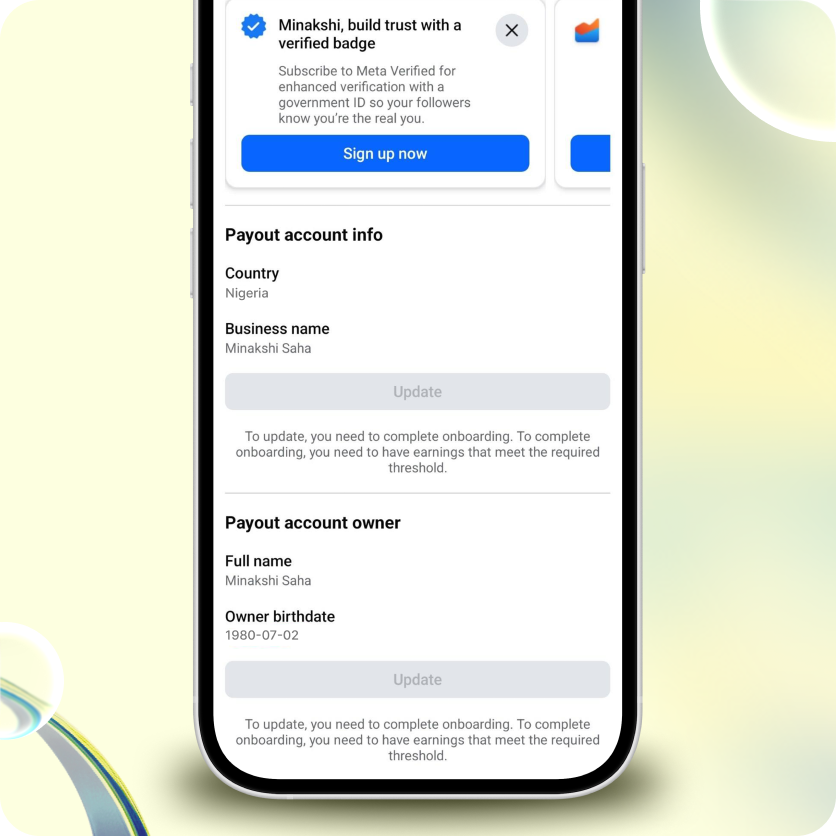
Step 1: Go to Payout Settings
Log in to your Meta account and navigate to:
- Monetization Manager
- Payout Settings
Step 2: Select Your Country or Region
Select: United States
This is critical.
Choosing the correct region ensures:
- fewer payout failures
- compatibility with US payout rails
- no dependency on SWIFT based transfers
Step 3: Add Your USD Account
Enter your OneDosh account details:
- Account type: US bank account
- Transfer method: ACH or domestic wire
- Currency: USD
OneDosh accounts support:
- ACH transfers
- US domestic wire transfers
They do not support:
Step 4: Confirm and Save
Once your payout method is added:
- Meta will process payouts based on its schedule
- Funds will be sent directly to your USD account
How Payouts Work
- Meta processes your earnings
- Funds are sent to your USD account
- Funds are received through US banking rails
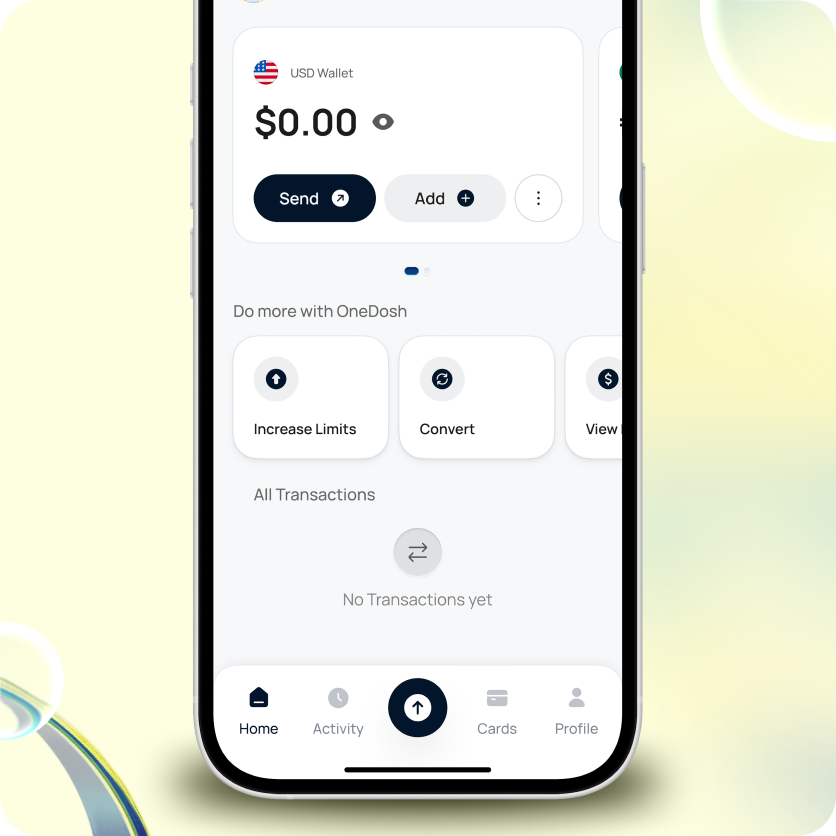
- Funds appear in your OneDosh wallet
From there, you can:
- hold funds in USD
- convert when needed
- send money
- spend globally
Payout Timing
Meta payouts are:
- processed on a monthly basis
- not instant
Timing may vary depending on:
- payout cycles
- account verification
- platform policies
Common Issues and How to Avoid Them
Incorrect country selection
Always select: United States
Using unsupported transfer methods
Avoid:
Use:
Not using a creator account
Ensure your account is:
Incomplete setup
Double check:
- account details
- payout method
- verification status
Why Use a USD Account for Creator Payouts
Many creators face:
- delays in receiving funds
- reliance on third parties
- multiple conversion steps
- failed transactions
Using a USD account allows you to:
- receive funds directly
- reduce friction
- avoid unnecessary intermediaries
- manage your earnings more efficiently
Not using a creator account
Ensure your account is:
Incomplete setup
Double check:
- account details
- payout method
- verification status
Getting Started with OneDosh
To receive Meta payouts:
- Create your OneDosh account
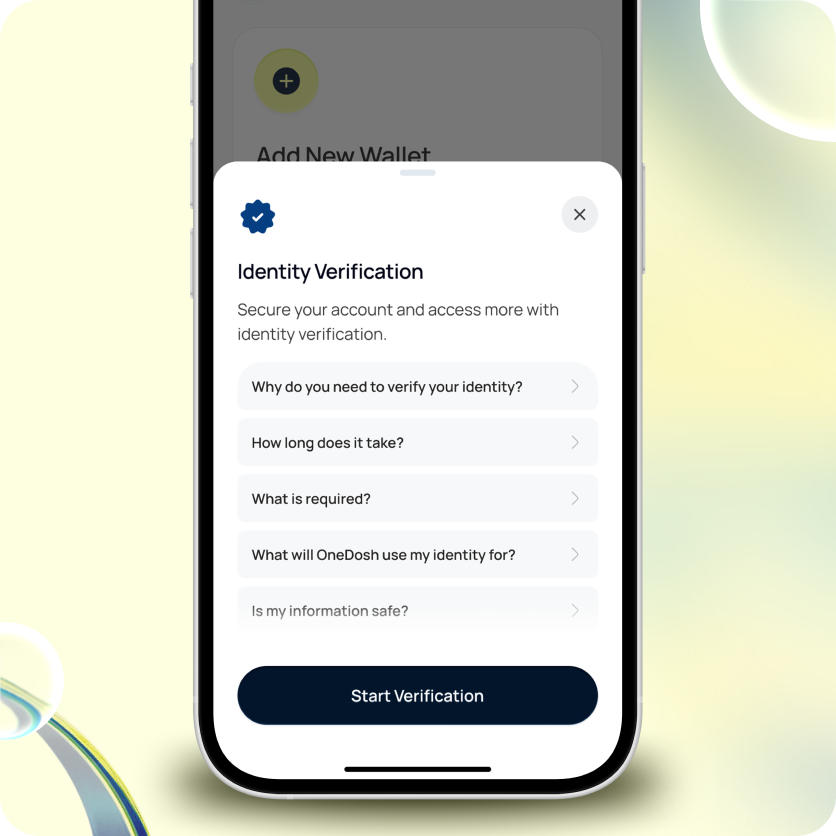
- Complete setup and verification
- Access your USD account details
- Add them to your Meta payout settings
Final Notes
Setting up your payout correctly is one of the most important steps in ensuring a smooth creator experience.
Clear setup leads to:
- faster payouts
- fewer errors
- better control over your earnings
Summary
To receive Meta creator payouts:
- Use a Creator or Professional account
- Select United States as your payout region
- Add your USD account details (OneDosh)
- Use ACH or domestic routing
- Receive funds and manage them globally
Next Step
Set up your payout account today and ensure your earnings are received without friction.
Get OneDosh
.svg)

.png)
.png)


.svg)
.svg)