March 13, 2026
How Meta Creators Can Get Paid Using a USD Account
If you are a creator earning on Meta (Facebook or Instagram), setting up your payout account correctly is critical to receiving your earnings without delays or failed transfers.

Introduction

If you are a creator earning on Meta (Facebook or Instagram), setting up your payout account correctly is critical to receiving your earnings without delays or failed transfers.

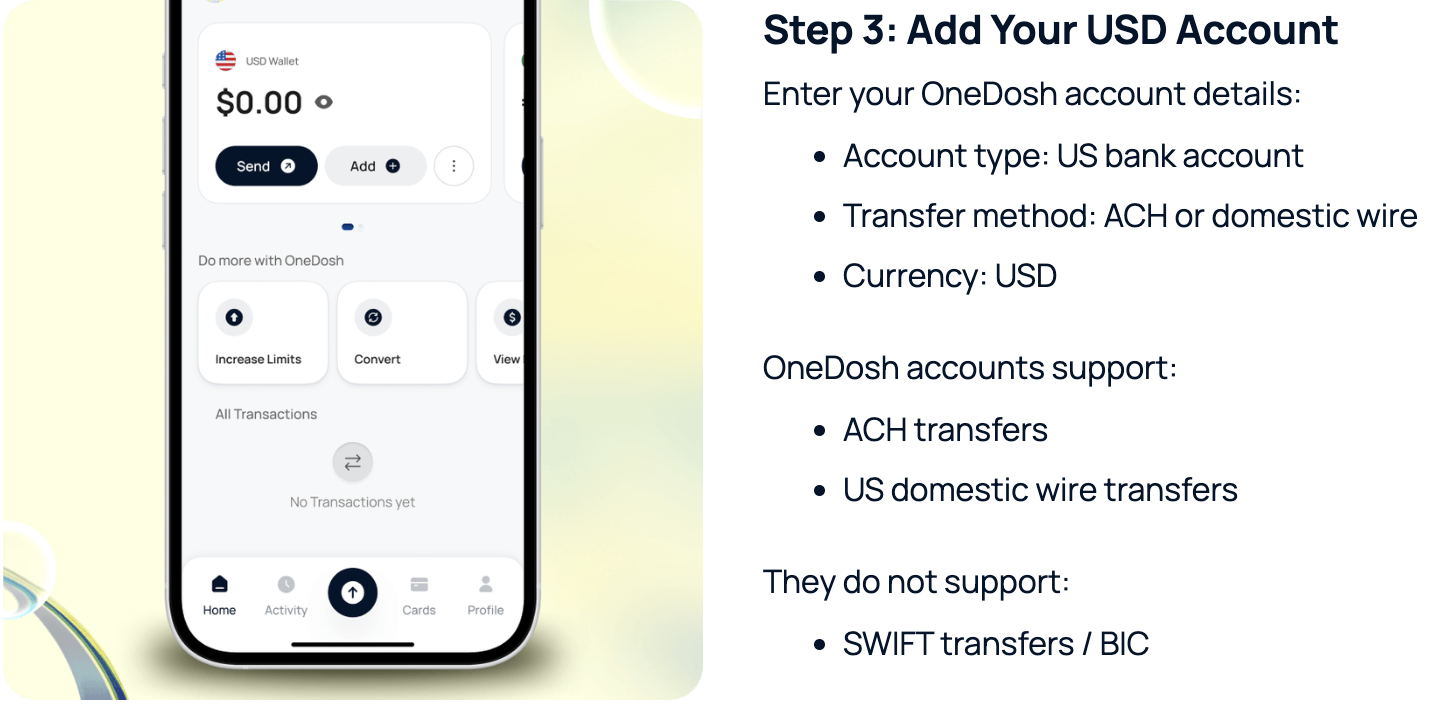
OneDosh provides a U.S. local (domestic) USD account.

This means:

  • Payouts must be sent using ACH (U.S. domestic transfers)
  • SWIFT and BIC-based transfers are not supported

Selecting the wrong payout method or region may result in:

  • rejected payouts
  • delays
  • failed transfers

Many creators run into issues due to:

  • incorrect payout setup
  • confusion around bank types and regions
  • using unsupported transfer methods
  • reliance on third party intermediaries

This guide walks you through how to correctly set up Meta payouts using a USD account, and how to use OneDosh to receive and manage your earnings globally, with the right configuration from the start.

Who This Is For

This guide is for:

  • Meta creators earning from Reels, subscriptions, or ads
  • Influencers and digital creators monetizing content
  • Freelancers and global earners receiving USD payments

Creator vs Personal Accounts (Important)

Before setting up payouts, make sure your account is eligible.

You can receive payouts if you have:

  • A Creator account
  • A Professional account with monetization enabled

You cannot receive payouts if you have:

  • A standard personal account only
  • No monetization features enabled

If needed, switch your account to a Professional or Creator account in Meta settings.

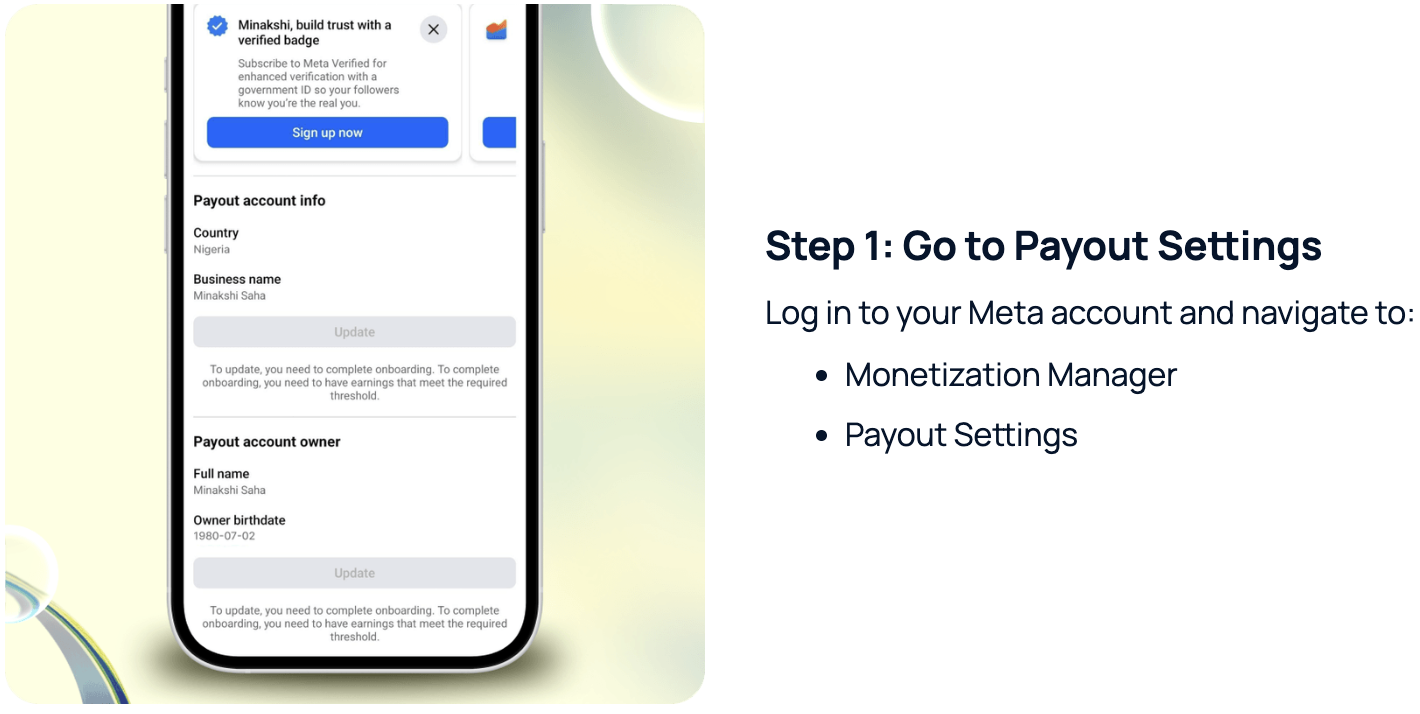
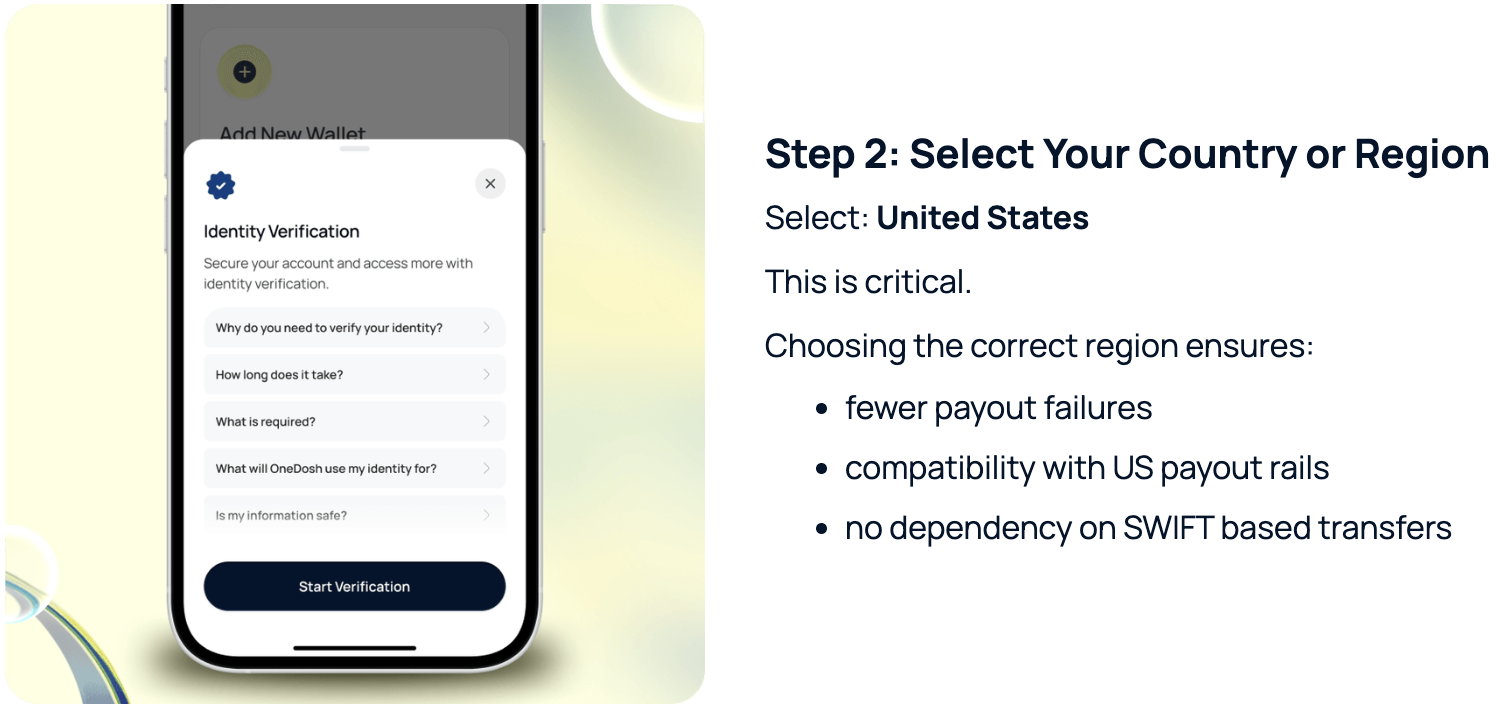
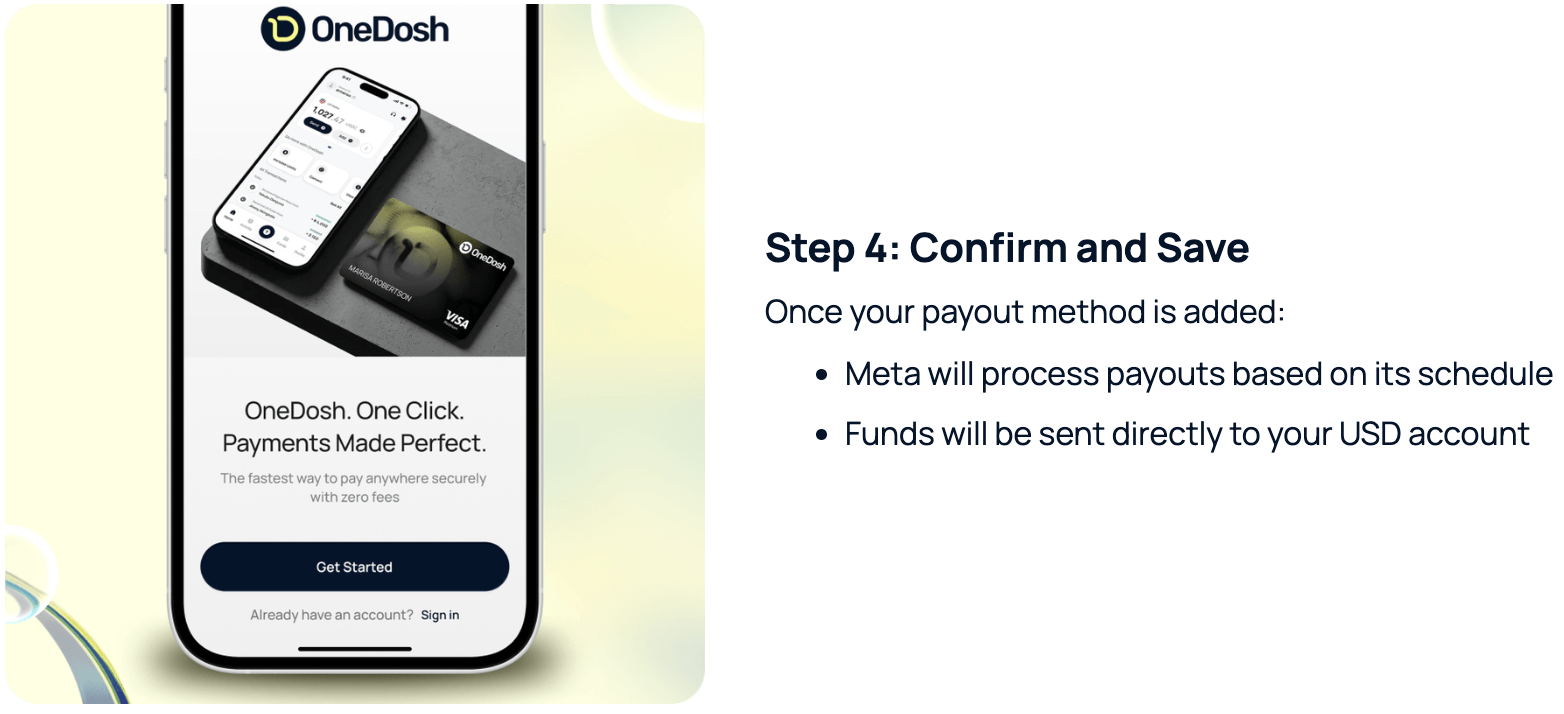
Step-by-Step: How to Set Up Meta Payouts

How Payouts Work

  1. Meta processes your earnings
  2. Funds are sent to your USD account
  3. Funds are received through US banking rails
  4. Funds appear in your OneDosh wallet

From there, you can:

  • hold funds in USD
  • convert when needed
  • send money
  • spend globally

Payout Timing

Meta payouts are:

  • processed on a monthly basis
  • not instant

Timing may vary depending on:

  • payout cycles
  • account verification
  • platform policies

Common Issues and How to Avoid Them

Incorrect country selection

Always select: United States

Using unsupported transfer methods

Avoid:

  • SWIFT based details

Use:

  • ACH or domestic routing

Not using a creator account

Ensure your account is:

  • Professional
  • Monetized

Incomplete setup

Double check:

  • account details
  • payout method
  • verification status

Why Use a USD Account for Creator Payouts

Many creators face:

  • delays in receiving funds
  • reliance on third parties
  • multiple conversion steps
  • failed transactions

Using a USD account allows you to:

  • receive funds directly
  • reduce friction
  • avoid unnecessary intermediaries
  • manage your earnings more efficiently

Not using a creator account

Ensure your account is:

  • Professional
  • Monetized

Incomplete setup

Double check:

  • account details
  • payout method
  • verification status

Getting Started with OneDosh

To receive Meta payouts:

  1. Create your OneDosh account
  2. Complete setup and verification
  3. Access your USD account details
  4. Add them to your Meta payout settings

Final Notes

Setting up your payout correctly is one of the most important steps in ensuring a smooth creator experience.

Clear setup leads to:

  • faster payouts
  • fewer errors
  • better control over your earnings

Summary

To receive Meta creator payouts:

  • Use a Creator or Professional account
  • Select United States as your payout region
  • Add your USD account details (OneDosh)
  • Use ACH or domestic routing
  • Receive funds and manage them globally

Next Step

Set up your payout account today and ensure your earnings are received without friction.

Our Blog & Articles
The latest news from us at OneDosh
See All Posts